Choosing a dash cam in the USA: what really matters.
A useful dash cam is one you can install safely, rely on to record, and easily retrieve footage from. For US drivers comparing cameras for a commute, road trip, or everyday driving, the best starting point is not a big resolution number—it is a clear understanding of how the whole recording setup works.
The short answer
Compare real video samples, choose a manufacturer-approved memory card, understand the power required for parking mode, and check local mounting and audio-recording rules. Then confirm the exact model, accessories, warranty, and return policy with the seller.
1. Look beyond the 4K label
Higher resolution can preserve more detail, but it does not guarantee that every license plate will be readable. Lighting, motion, the lens, and recording settings all affect the result. Look for actual daytime and nighttime samples from the exact model, rather than relying on promotional images.
Consumer Reports explains why resolution and frame rate should be considered together, and why choosing a dash cam involves more than comparing feature labels. [1]
2. Understand loop recording and saved clips
Loop recording generally replaces older, unprotected footage when storage fills up. An impact sensor may protect a clip, but sensitivity settings and file handling vary by model. Learn how to manually save an event, and make a separate backup promptly after an incident. Do not assume every important moment is automatically protected.
3. Choose storage for continuous recording
Use the card capacity, speed rating, and format recommended by the camera manufacturer. A compatible high-endurance microSD card is worth considering for repeated recording. Check whether a card is included, review recordings periodically, and follow the manual’s card-maintenance instructions.
4. Check what parking mode actually needs
A camera powered only by a socket that switches off with the ignition may stop recording when the car is parked. Depending on the model, parking mode can need a compatible hardwire kit or a dedicated battery solution. Ask about required accessories, battery protection, and professional installation before purchasing.
5. Install it safely—and check your state’s rules
Windshield-mounting and audio-recording rules can differ by state. Consult current official state guidance before installing or enabling audio, especially when carrying passengers. Keep the camera out of your driving sightline, avoid airbag paths when routing cables, and do not operate the screen while driving.
This article is general buying information, not legal advice. Do not assume that one mounting position or audio setting is suitable everywhere in the USA.
6. Make sure you can retrieve the footage
Before your first trip, make a short test recording while parked and confirm that you can play it back. Set the date and time correctly. After an incident, prioritize safety, follow applicable reporting requirements, and preserve the original files. A recording may help document events, but it does not guarantee an insurance outcome, discount, or legal result.
Where RoadVision fits
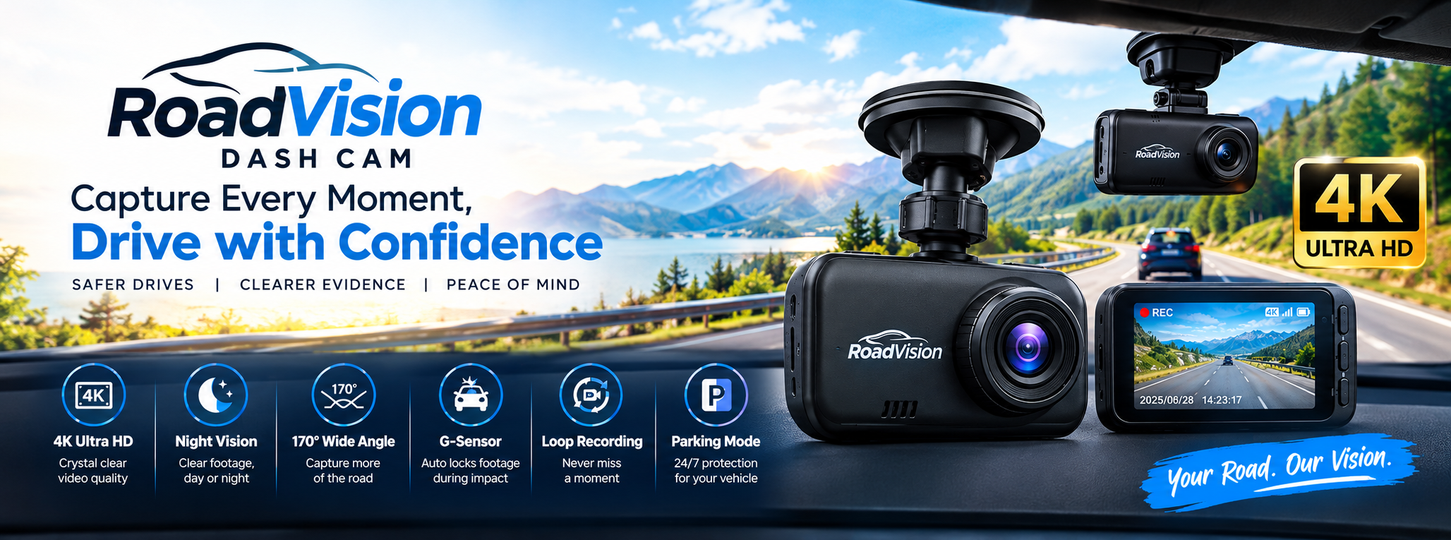
The supplied RoadVision artwork advertises 4K Ultra HD, night vision, a 170° wide-angle view, a G-sensor, loop recording, and parking mode. These are advertised features, not results from an independent test. Confirm the current seller’s specifications, memory-card compatibility, and power requirements for the model you plan to buy.
Your pre-purchase checklist
- Review real video samples from the exact model.
- Confirm supported memory cards and what is included.
- Ask how parking mode is powered and whether extra parts are required.
- Check local installation and audio-recording rules.
- Read the seller’s current delivery, warranty, and return terms.
Further reading
[1] Consumer Reports: How to Choose a Dash Cam for Your Car. Referenced for general buying considerations; this does not imply a RoadVision endorsement.